The Blog Builder Skill
Free Lessons On Your Blog That Sell Your Membership
Teachers are searching for your lessons right now and finding someone else's blog. A blog would bring them to you, but one post that sells takes a day you don't have.
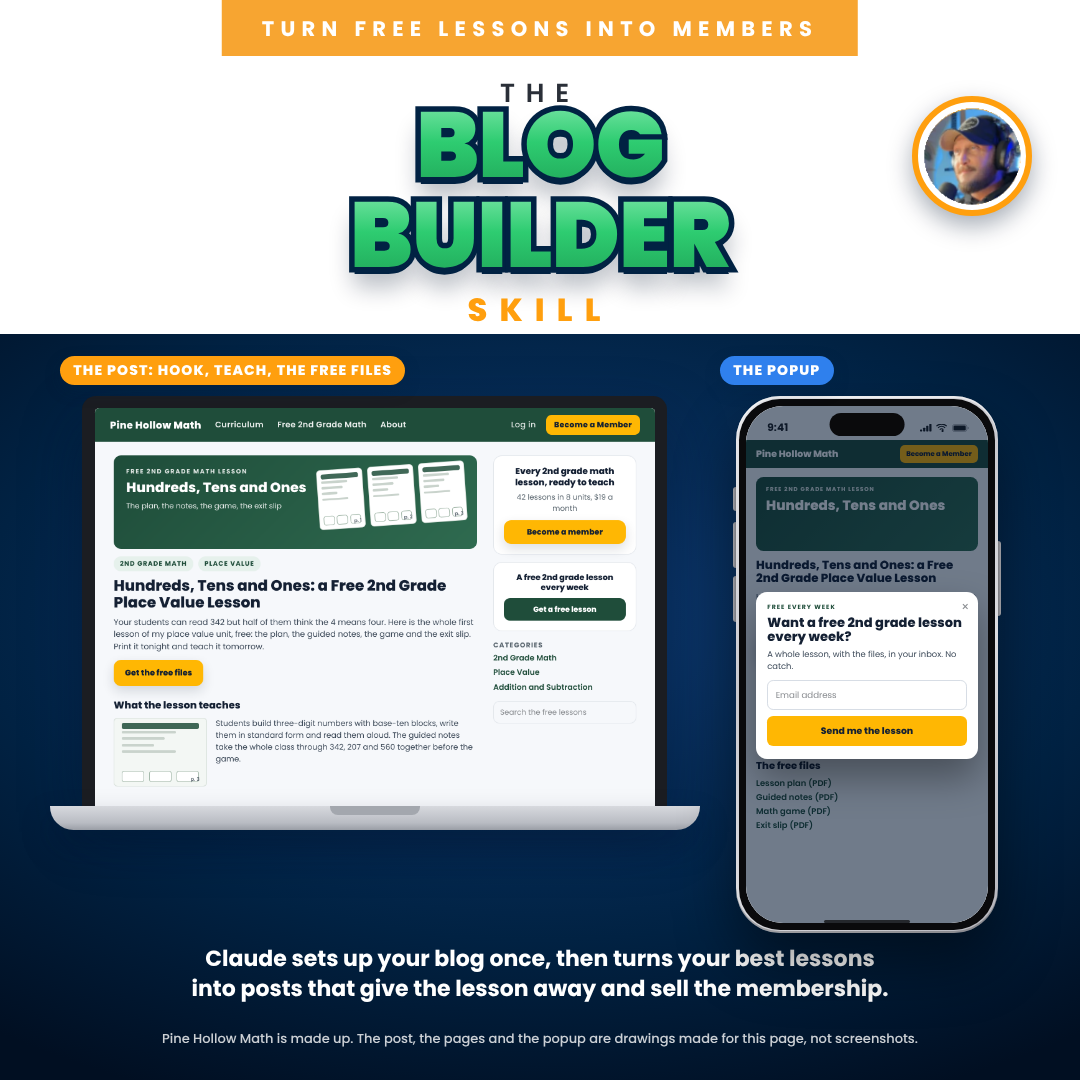
It turns your Kajabi blog into the funnel behind my own memberships: Claude writes each post from a real lesson of yours, draws the pictures, builds the downloads page and adds the join button. One chat per post. You say publish.
One payment of $147. Use it on every post you ever write.
Your best lesson is sitting in a folder. 😩
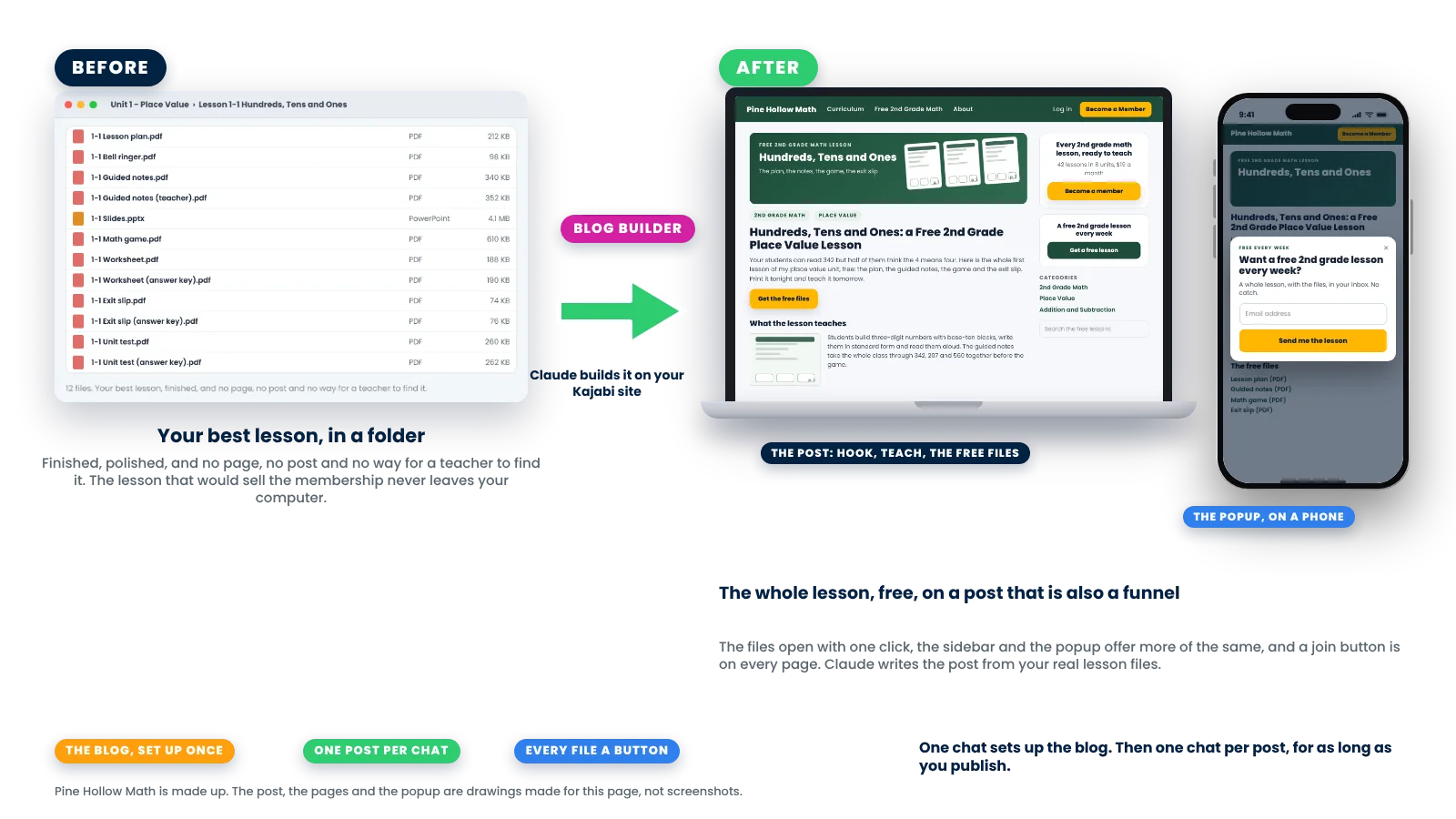
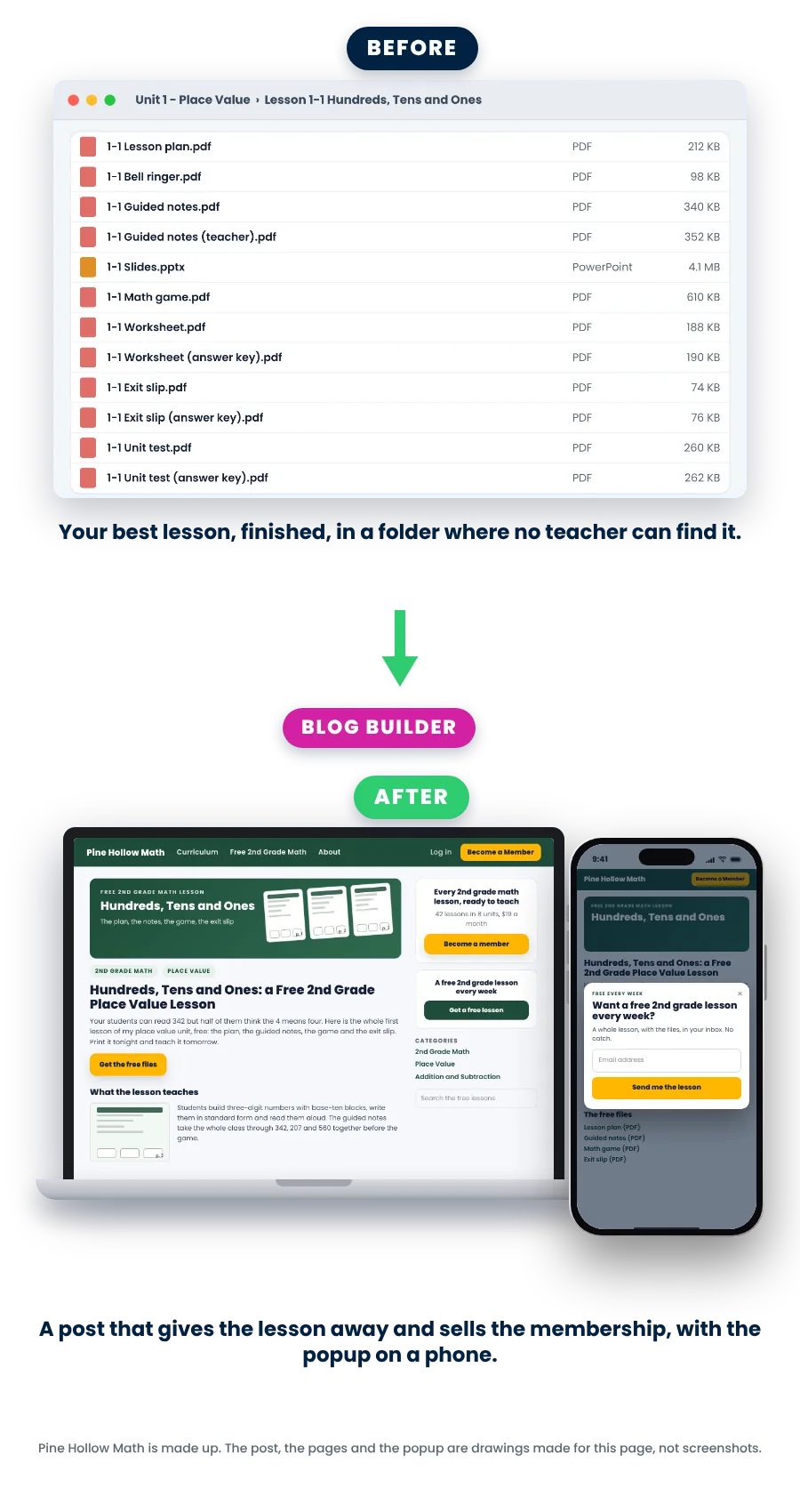
It is finished, polished, the one teachers would share. And nobody can find it. There is no page for it, no post, no way for a search to land on it, and your membership sells on the strength of lessons nobody has seen. Writing a post by hand takes an evening, the files end up behind a form, and the next post never comes.
Doing nothing
A membership nobody can sample.
- No post, so a teacher looking for your lesson finds someone else’s
- A freebie behind a form, so the wrong-grade teacher signs up and the right one leaves
- A blog that looks nothing like your website, with no join button on it
- One post a month, written by hand, and then none
With the skill 👉
A funnel on every post, written from your real files.
- The whole lesson free, the files one click away, no form before the file
- A sidebar with your join block and your freebie, a join ask and a sign-up form under every post, and the two popups, set up once
- A downloads page where every file of the lesson is a button, and the Teacher Edition free, behind a short form or Members Only, your rule
- One post per chat, from picking the lesson to the reader test, for as long as you publish, written the way my own posts are written
The post filters the traffic for you. A wrong-grade teacher opens the file, sees the grade and leaves. The right teacher reads the lesson, prints it, and comes back for the next one. That is who signs up, and that is who joins.
Set up the blog once. Then one chat per post.
Here’s what happens 😎
There’s a one-time setup: add the skill file to your own Claude and switch on the Kajabi connector. Then two kinds of chat, with printed directions that follow them part by part: Set up, once, and a post, every time.
💬
1. Claude dresses your blog, once, for your yes.
You answer a few questions: your categories, the freebie the popups offer, the Teacher Edition rule, the blog’s name. Claude saves a copy of your site’s template, matches the blog to your website, puts Blog in your menus, and builds the post template, the blog home and the two popups. It asks before it sends, because the template is live the moment it goes, then reads it back from Kajabi and checks it.
🖥️
2. You pick the lesson. Claude reads the files and makes the pictures and the downloads page.
Name the lesson, or let Claude scan your files and suggest three, with its reasons. Claude opens the real files, reads the lesson plan, finds the phrases teachers type, draws the cover in your brand and a picture of each page, puts the pictures and the free files into Kajabi from your Dropbox on your yes, and builds the downloads page where every file is a button, as a draft, read back and checked.
🏗️
3. Claude writes the post, and you test it as a reader.
Everything a teacher needs to teach the lesson, in the shape my own posts take, with the join ask and the freebie ask where they belong. You see it as an outline first and change anything in plain words. Claude creates it as a draft with the cover, and when you say publish, you open it on your computer and your phone: the popup opens, every file opens, the join buttons land on your sales page.
That’s it. Just follow it. It works.
Then the next post is one message: Use the membership-10-blog-builder skill. Write a blog post. Claude reads its notes, offers the three posts it named last time, and does it again.
The template, the header, the footer and the popups have no draft in Kajabi. That is why Claude saves a copy before the first change and asks before every send.
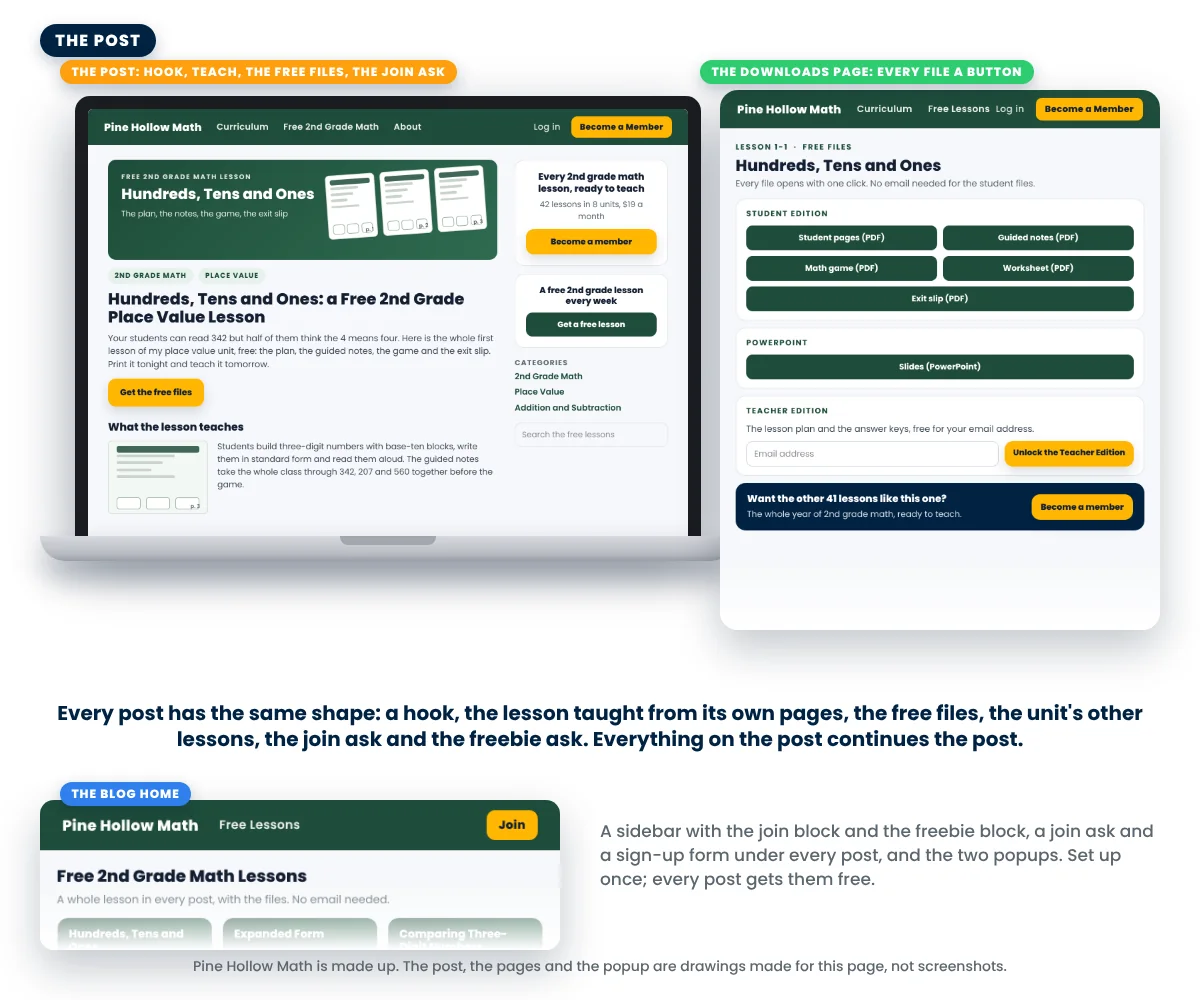
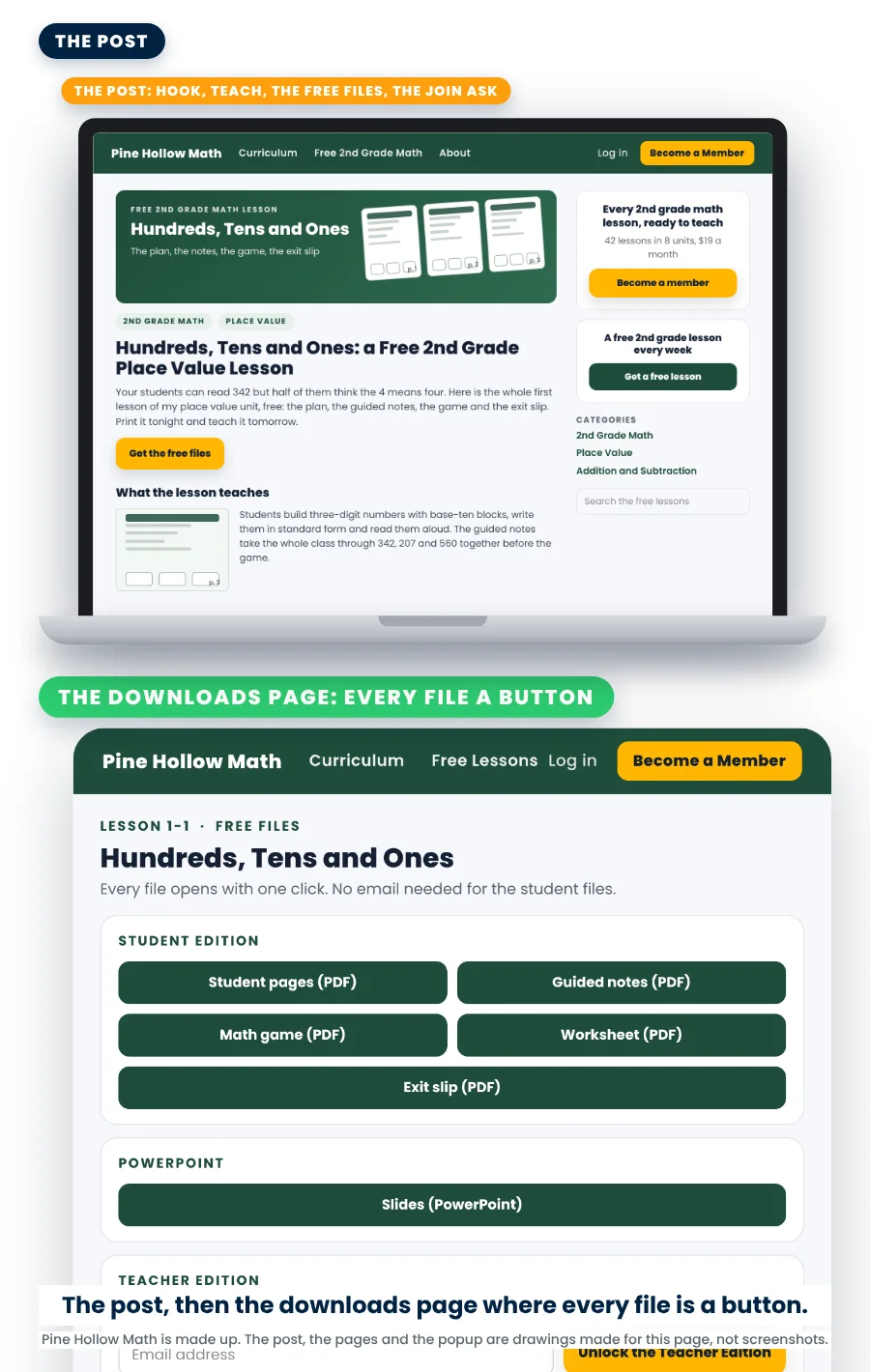
A post
Everything a teacher needs to teach the lesson. Every post the same shape.
A post is written to be found and to be used: the title teachers search for, the lesson in plain words, the steps with a picture of each page, and the files. The teacher who reads it can teach it tomorrow. Then the join ask and the freebie ask, where they belong.
- Every file a button. The downloads page lists every file of the lesson in groups, Student Edition first, and the student files open with one click and no email.
- The Teacher Edition is your rule. Free, behind a short form that unlocks it, or Members Only with the buttons going to the join page. My own sites use all three.
- Two kinds of post that work. How to teach it, or where your students will use it in real life. Or an angle you name, like a holiday, around the same lesson.
- The blog home shows every post with its cover under a heading a search engine can read, with the join button in the header.
What a post is built from: the lesson’s own files, your brand kit, your categories, the phrases teachers type, and the freebie and join page you already have. Every number in a post is counted, and the standard comes from your lesson plan, never guessed.
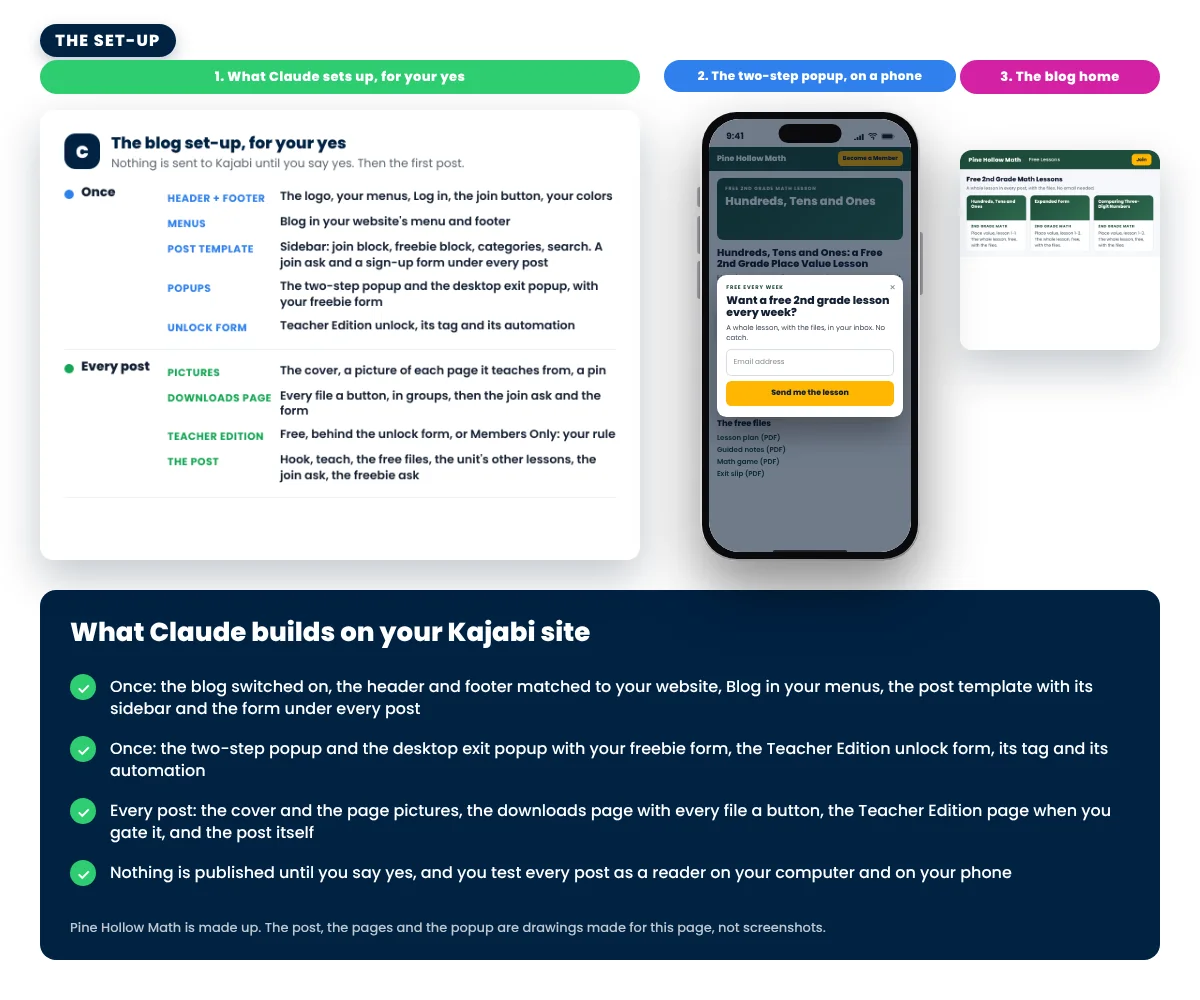
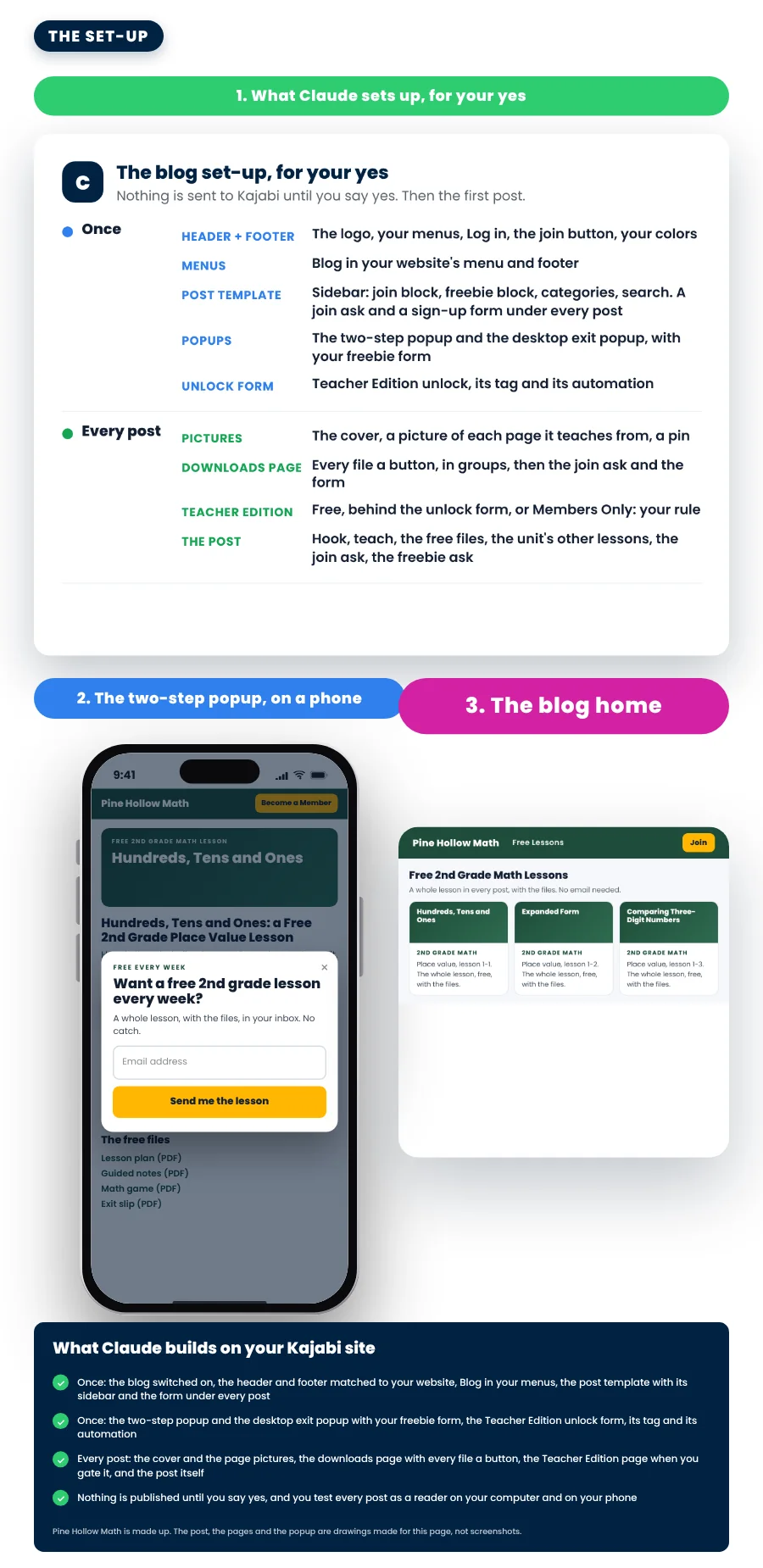
Set up, once
Set up once. Every post after that gets the funnel for free.
The header and footer matched to your website, Blog in your menus, the post template with its sidebar, a join ask and your sign-up form under every post, the two popups with your freebie form, and the Teacher Edition unlock form with its tag and its automation.
- Your template, copied first. Claude saves a dated copy of your site’s template in your notes folder before the first change. That copy is how it goes back if anything is wrong.
- Sent on your yes, read back, checked. Claude reads the whole look back from Kajabi and compares it with what it sent.
- The popups, my way, with your freebie. Want them gentler? Say so.
- Your notes. The template copy, the blog spec and one line per post, so a later chat can change a post or add the next one.
An older Kajabi template has no sign-up form under the post and no switch for the sidebar on phones. Claude tells you if yours lacks them, and a template from Kajabi’s Template Store has them all. Installing one changes your whole site’s look, so it is your call.
👋🏼 Hi, I’m Jeff Twiddy
What you get for $147
- The Blog Builder skill file, to add to your own Claude. One file, added once.
- Click-by-click directions, fourteen pages: the two messages to send, every part in order, what to click when Claude asks you to add a sidebar block or change a form setting, the reader test on your computer and your phone, and a trouble table.
- Three short lessons: add the skill, set up your blog and write your first post, coming back later.
- Use it on every post you ever write, as often as you like. No per-post fee.
From the build:
- Your blog switched on and matched to your website, Blog in your menus, the post template with its sidebar and the form under every post
- The two popups with your freebie, and the Teacher Edition unlock form with its tag and its automation
- For every post: the phrases teachers type, the cover and the page pictures in your brand, the downloads page with every file a button, and the post itself, written from the lesson’s own files and tested as a reader
- Your notes, saved beside your membership build, so the next post is one message
One payment of $147. Use it on every post you ever write, as often as you like.
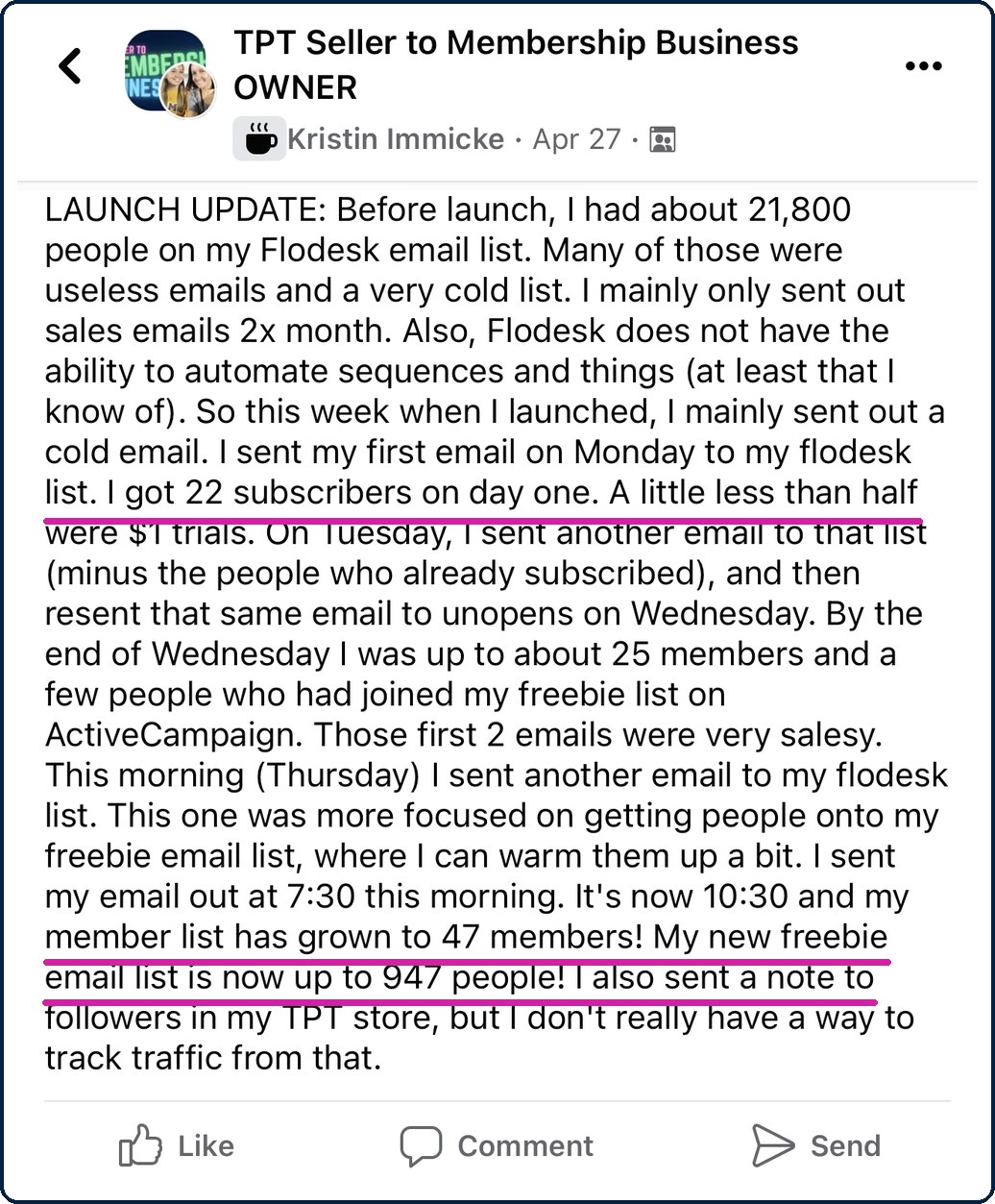
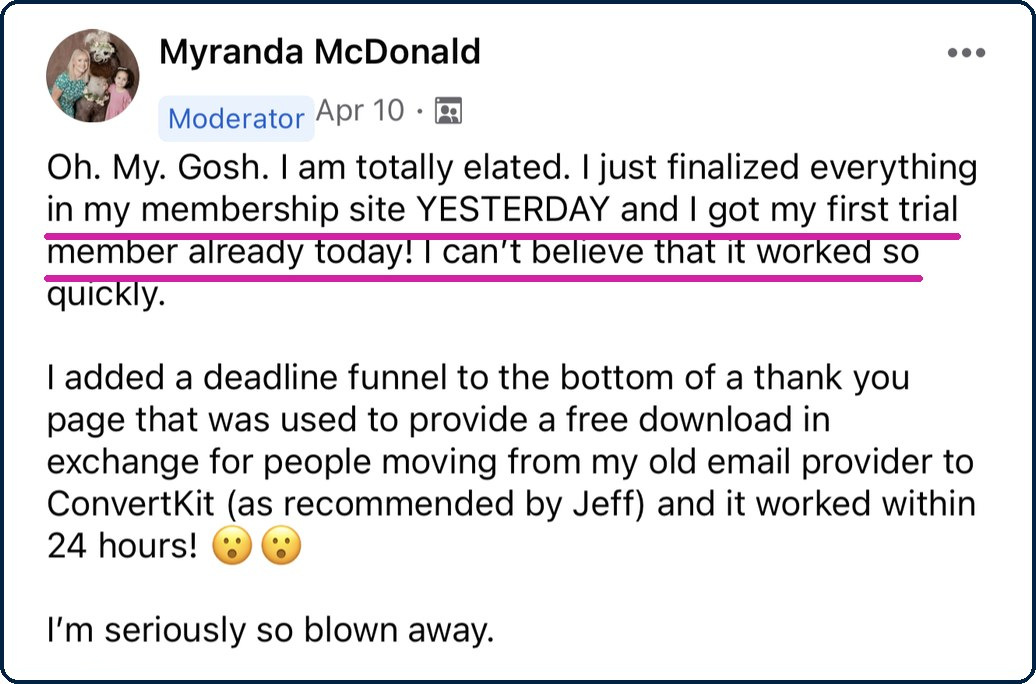
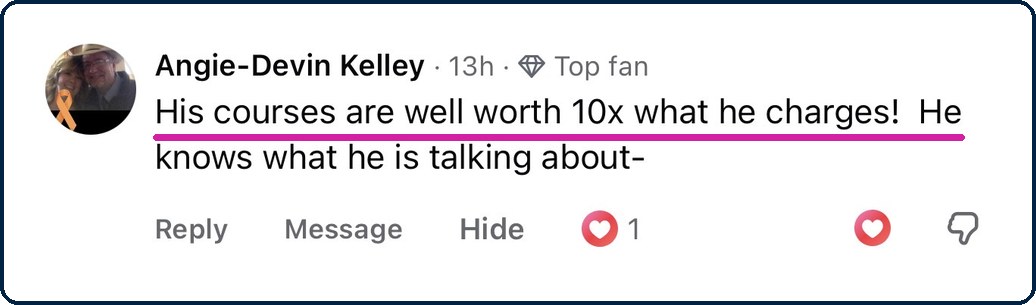
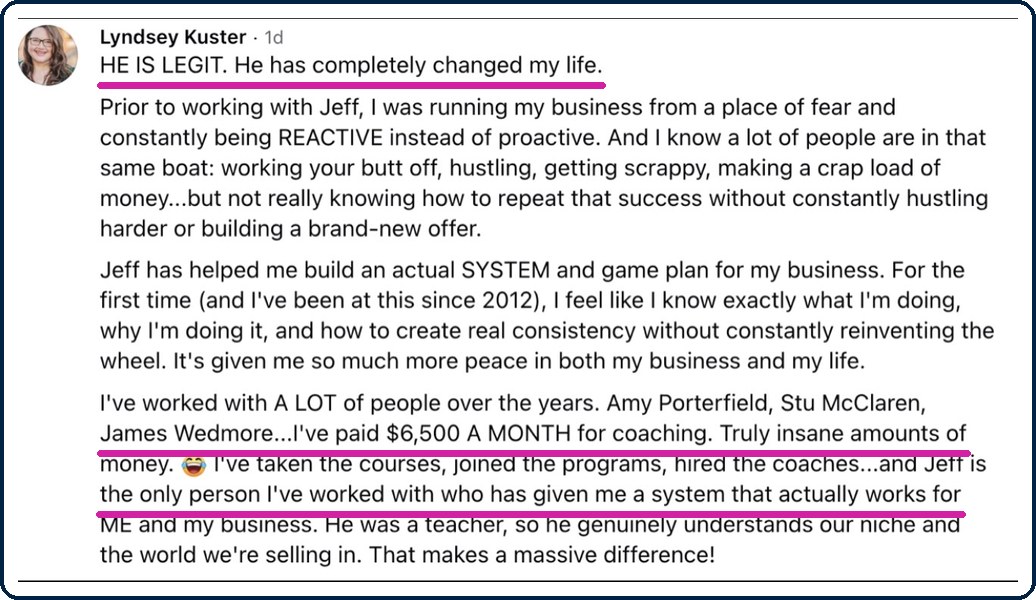
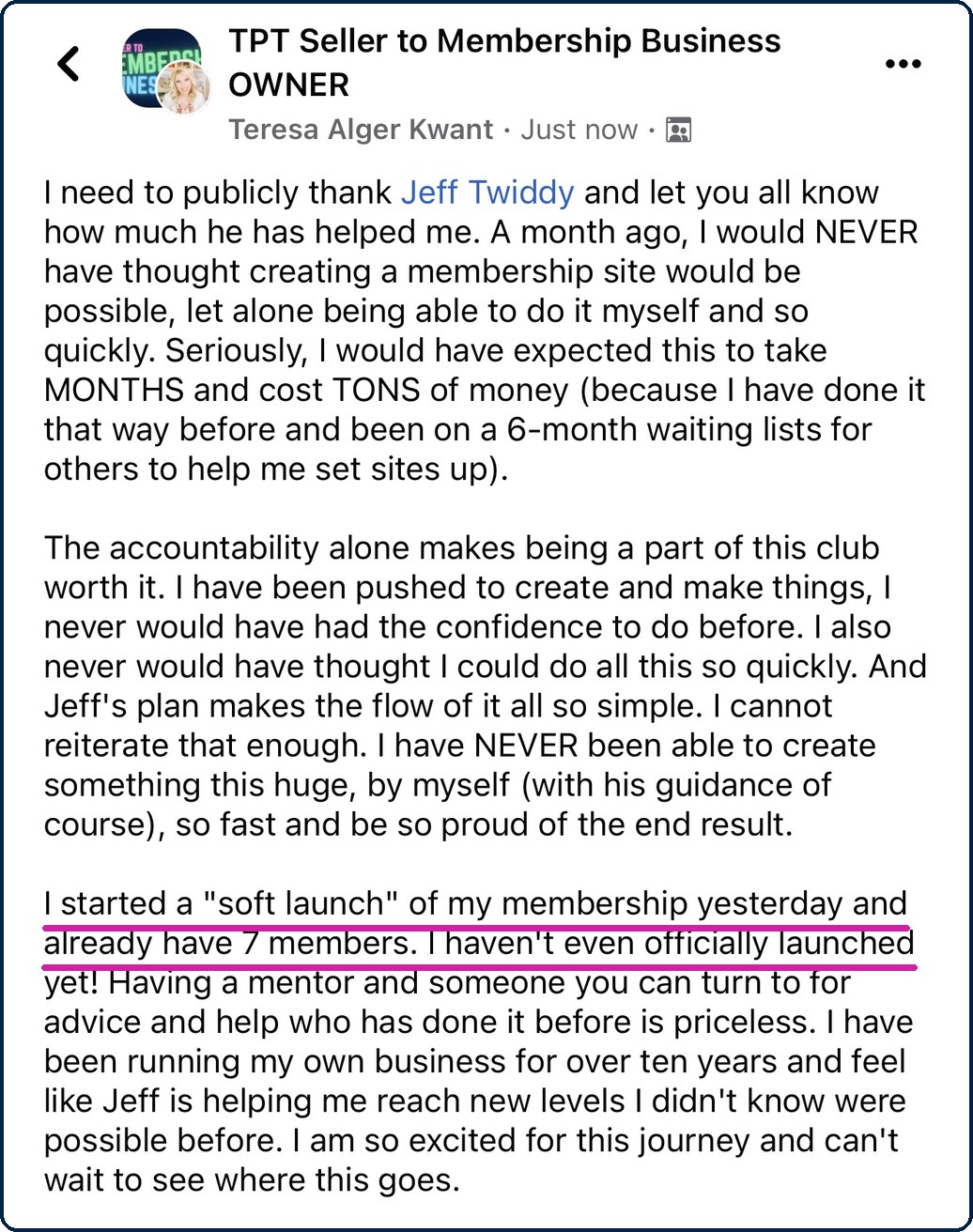
Don’t take my word for it.
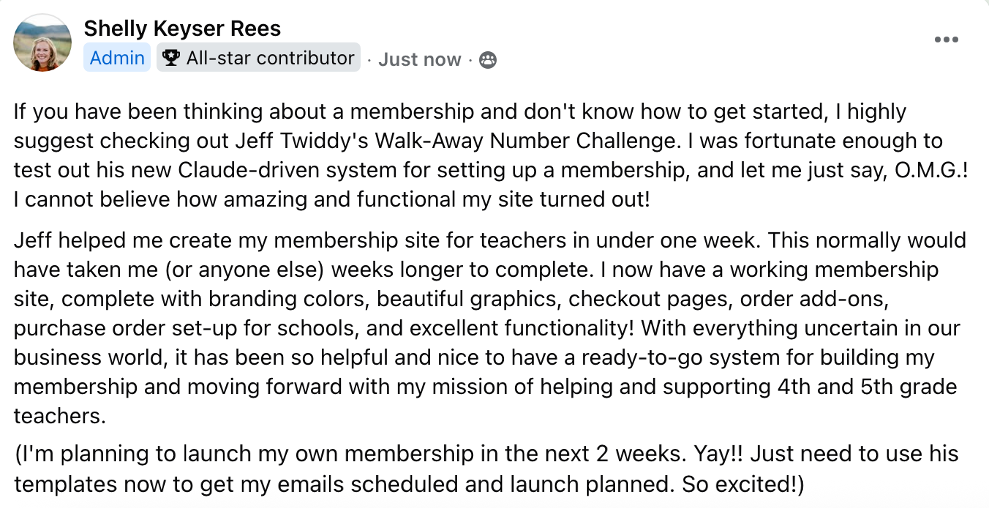
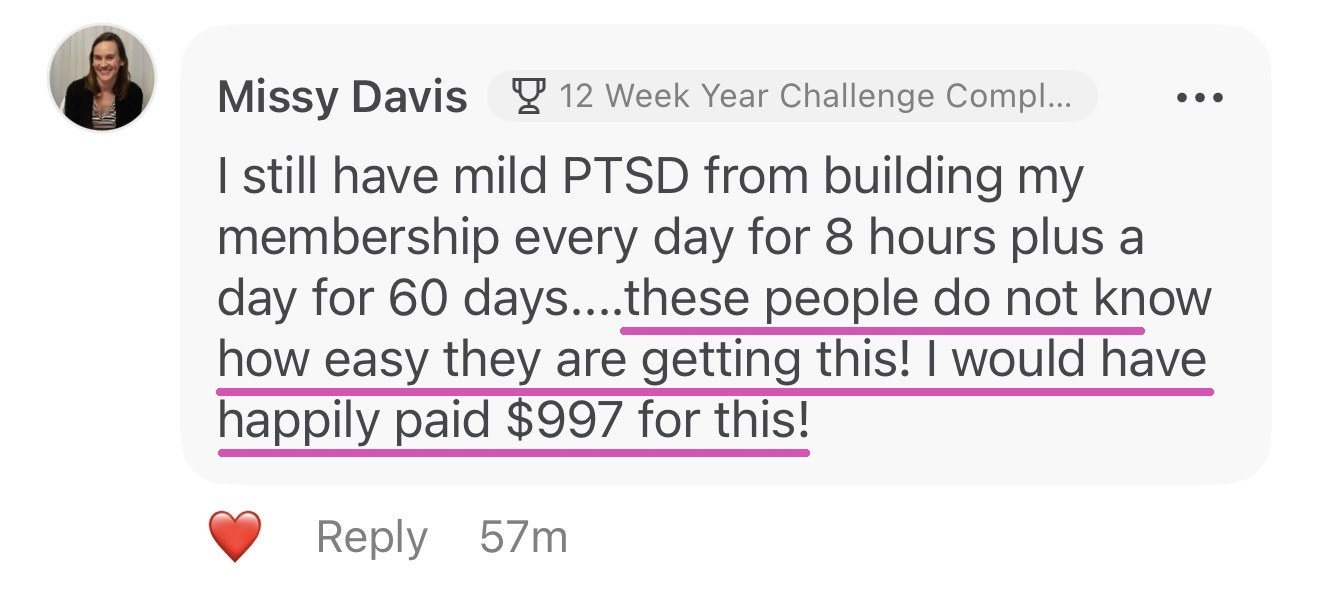
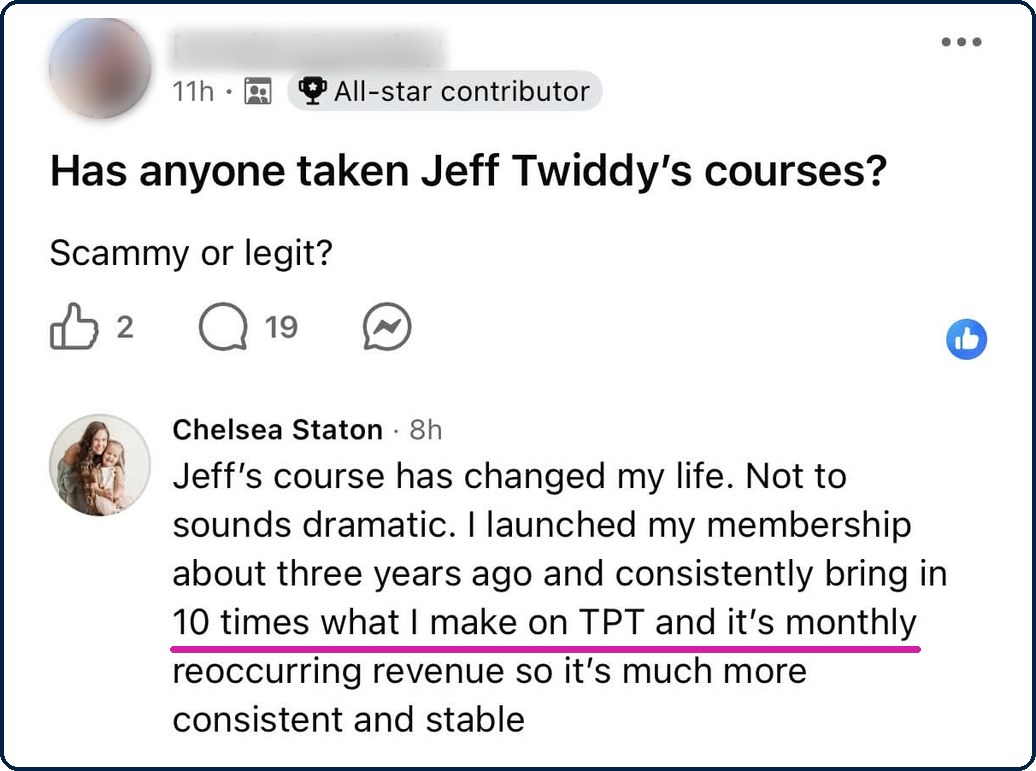
Shelly built her membership with these skills, in under a week. Missy, Chelsea, Lyndsey and the others built theirs with me, the long way. This is what they say.



✅ What you need before you buy
Four things. The third one is the one people miss: the files a post gives away go into Kajabi from your Dropbox.
🖥️
A paid Claude plan and the Claude desktop app on a Mac or Windows computer
Claude is the AI assistant that does the work. Any paid plan works: Pro, Max, Team or Enterprise. It reads your files, draws the pictures and builds the pages and the post through the Kajabi connector, and puts your pictures and files into Kajabi in its built-in browser, which is why it needs the desktop app. A phone or a Chromebook will not do it. Web search switched on in Claude lets it look up the phrases teachers type; without it, it writes them from the lesson’s name. On Team or Enterprise, your admin may need to turn on skills and connectors first.
🔗
A membership on Kajabi with a join page
Every join button on the blog goes there. Terms and Privacy pages on your site too, because the blog’s footer links to them. A free-resource page with a Kajabi sign-up form and a thank-you page gives the popups and the form under every post something to offer; without one Claude leaves those out, and every post still gets the join block, the join button and its downloads page.
⚙️
Your lessons as files, in Dropbox
Claude reads the real files and makes the pictures from them. The files a post gives away live in Kajabi’s public downloads store, and Claude puts them there straight from your Dropbox. From Google Drive or your computer the pictures still go in, but each file button is set by hand in Kajabi’s page editor.
🔐
Your yes, and a reader test on your phone
The blog’s look is live the moment it is sent, so Claude copies your template first and asks before each send. A post and a downloads page stay drafts until you say publish. Then you open the post on your phone and tap three files. Claude never types a password, never presses Delete, never fills in a form on your site, and never makes a share link to a folder.
💵 Claude is its own bill.
This skill doesn’t include a Claude plan. Check Claude’s prices at claude.com/pricing. Kajabi is its own account too. Check Kajabi’s prices through my partner link in the lessons.
Nothing goes live from Claude that you did not say yes to: the template is copied before it changes, a post is a draft until you publish it, and Claude never deletes anything in your Kajabi account.
“But what if...”
Let’s handle your questions.
“I’m not technical.”
“What is Claude?”
“Is this Step 10 of The AI Membership Builder for Teacher Sellers?”
“Do I have to give the whole lesson away?”
“My site already has a blog, or posts.”
“Will it change my website?”
“My files are in Google Drive, not Dropbox.”
“What kinds of posts does it write, and how long does one take?”
“What about a popup for each category, or on phones?”
“What if Claude changes something?”
“Can I get a refund?”
“Can I share the skill?”
One payment of $147. Use it on every post you ever write, as often as you like.


Who’s behind this
I was a high school math teacher for 13 years and a head football coach. Then I built and sold multiple multi-million dollar curriculum businesses.
I’ve helped over 1,000 teacher sellers build real businesses beyond TPT: memberships, automated funnels, profitable ads, and recurring revenue that doesn’t depend on any algorithm.
This skill does the part of a membership that brings teachers in: the free post that gives a whole lesson away and sells the membership on the strength of it. I test everything I teach in my own business, so when it gets into your hands, it already works.
1,000+ teacher sellers helped8+ figures earned13 years in the classroom
Give your best away. The membership sells on the strength of what was free.
One payment of $147. Use it on every post you ever write, as often as you like.
The folder, the post, the downloads page, the blog home and the popups shown on this page are drawings made in October 2026 to show the skill, not screenshots. Pine Hollow Math is a made-up seller (not a real store), and its lessons, posts, prices and numbers are made up too. Kajabi’s connector, its blog, its templates and its page editor were checked on a real Kajabi site in October 2026 and can change. The lessons link to Kajabi with our partner link: we earn a commission if you sign up for Kajabi through it, at no extra cost to you. Claude is made by Anthropic. Kajabi and Anthropic are separate companies and separate accounts, and neither sponsors or endorses this skill. Teacher Seller School is not affiliated with or endorsed by TPT (Teachers Pay Teachers).
Earnings Disclaimer: This skill builds blog posts and pages in your Kajabi account. How many teachers read them, sign up or join depends on your lessons, your site and your market, and there is no guarantee that you will get any reader, sign-up, member or income using it. Subject to our Refund Policy, we provide content without any express or implied warranties. By continuing to use our site and access our content, you agree that we are not responsible for any decision you may make regarding any information presented or as a result of purchasing any of our products or services.